|
<< Click to Display Table of Contents >> Initiating a Conversation with a Patient |
  
|
|
<< Click to Display Table of Contents >> Initiating a Conversation with a Patient |
|
To start a conversation with a patient, the patient must have Opted In to receiving messages via text message or email and their Communication Preference is set to Text or Email.
NOTE: If the patient has opted in to receiving text messages and e-mails, and a Communication Preference has not been selected, when starting a conversation, Patient Connect will default to sending the message via text message.
On the Scheduled Appointments tab, select the  chat icon next to the patient’s name, to start a conversation.
NOTE: When the patient has a  solid blue chat icon next to their name, that means a chat is already open for that patient. If selected, the chat box will open the chat.
The chat box will then open. Enter a message and then select the  send icon to send the message to the patient via text message or email.
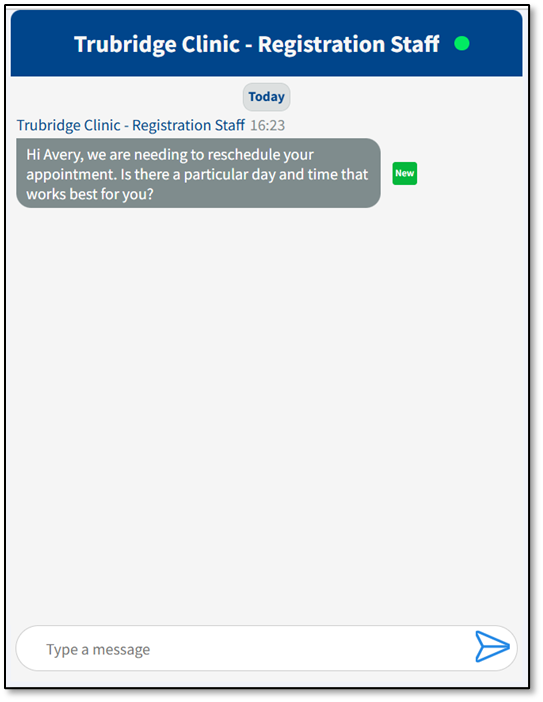
Chat Box