|
<< Click to Display Table of Contents >> Detail Interventions / ADRs Report |
  
|
|
<< Click to Display Table of Contents >> Detail Interventions / ADRs Report |
|
This table provides control of changing the sort criteria for Detail Interventions/ ADR Report. If no sort parameters are entered, the report continues to print in the default format.
Select Tables > Clinical > Pharmacy Report Control category > Detail Interventions / ADRs Report
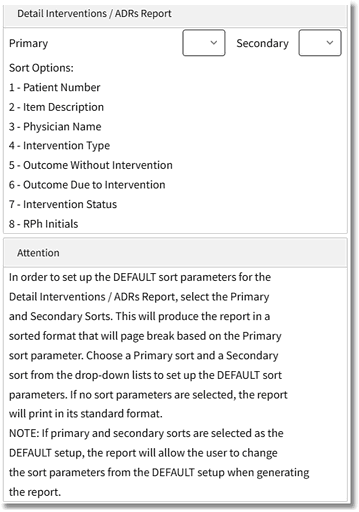
Detail Interventions/ADRs Report Options
Specify a Primary and Secondary sort by selecting an option from each drop-down. The numbers in the drop-downs correspond with the following options.
•1 - Patient Number
•2 - Item Description
•3 - Physician Name
•4 - Intervention Type
•5 - Outcome Without Intervention
•6 - Outcome Due to Intervention
•7 - Intervention Status
•8 - RPh Initials
The report will page break based on the Primary sort.