|
<< Click to Display Table of Contents >> Patient Chat Features |
  
|
|
<< Click to Display Table of Contents >> Patient Chat Features |
|
If a user closes out of a conversation before a patient has responded to the chat and then later the patient does respond, a red dot will display next to the chat icon on the Scheduled Appointments tab.
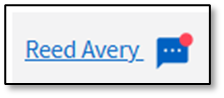
Patient Response
Hovering over the chat icon will display the number of messages waiting and the date and time it was received
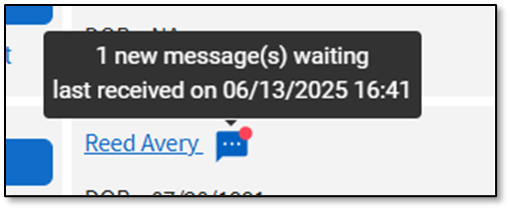
Patient Connect - Scheduled Appointments Tab
Select the  chat icon to open the conversation.