|
<< Click to Display Table of Contents >> CrCI Status Report |
  
|
|
<< Click to Display Table of Contents >> CrCI Status Report |
|
The Creatinine Clearance Status Report Table is used to specify which patients print on the Creatinine Clearance Status Report. The table settings serve as the default when this report is set to automatically print. These settings can be overridden when the report is printed on demand.
NOTE: To set this report to auto print, you must contact TruBridge Support.
Select Tables > Clinical > Pharmacy Report Control category > CrCl Status Report
From the Print drop-down, select one of the four options available.
•All Patients: Prints for all patients regardless of stay type or location.
•Selected Nursing Station: Prints only patients for a selected nursing station.
•Selected Stay Type: Prints only patients listed as the selected stay type.
•Selected Subtype: Prints only patients listed as the selected subtype.
If you choose one of the "Selected" options, use the additional field that appears below the drop-down to enter or select the appropriate Nursing Station, Stay Type, or Subtype.
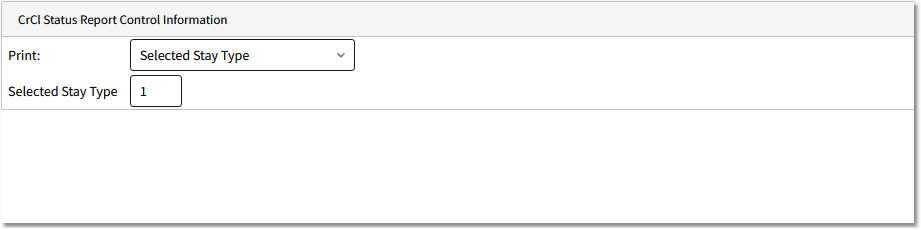
CrCl Status Report Options