|
<< Click to Display Table of Contents >> Dietary Classes |
  
|
|
<< Click to Display Table of Contents >> Dietary Classes |
|
Dietary Classes provides a table to store allergies that the user deems as food but are classified as something other than “FOOD” by Micromedex. One example is egg, which is designated as “CLASS.” Adding an allergy to this table allows the TruBridge EHR to use the allergen code and send this allergy to Dietary reports and labels. The table has been preloaded with a file provided by Micromedex.
Select Web Client > Tables > Clinical > Dietary Classes
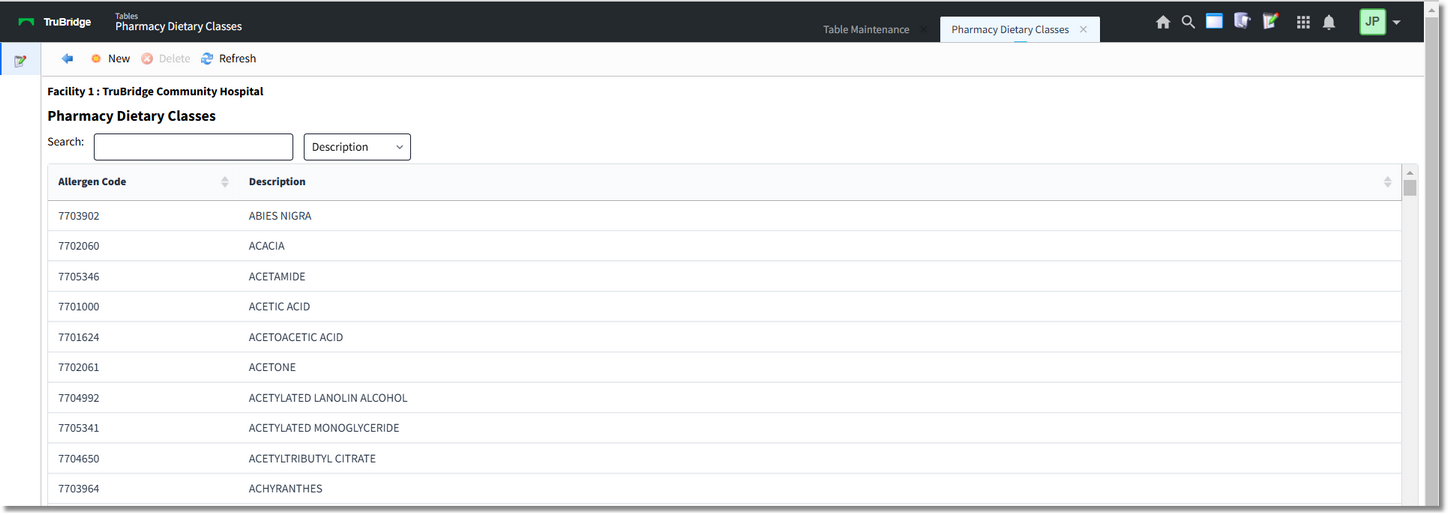
Dietary Classes
1.Use the Search feature to determine if an allergy already exists in the table.
2. If the allergy is not listed, select New and use the search feature to find an allergy from the Micromedex database.
Select Web Client > Tables > Clinical > Dietary Classes > New
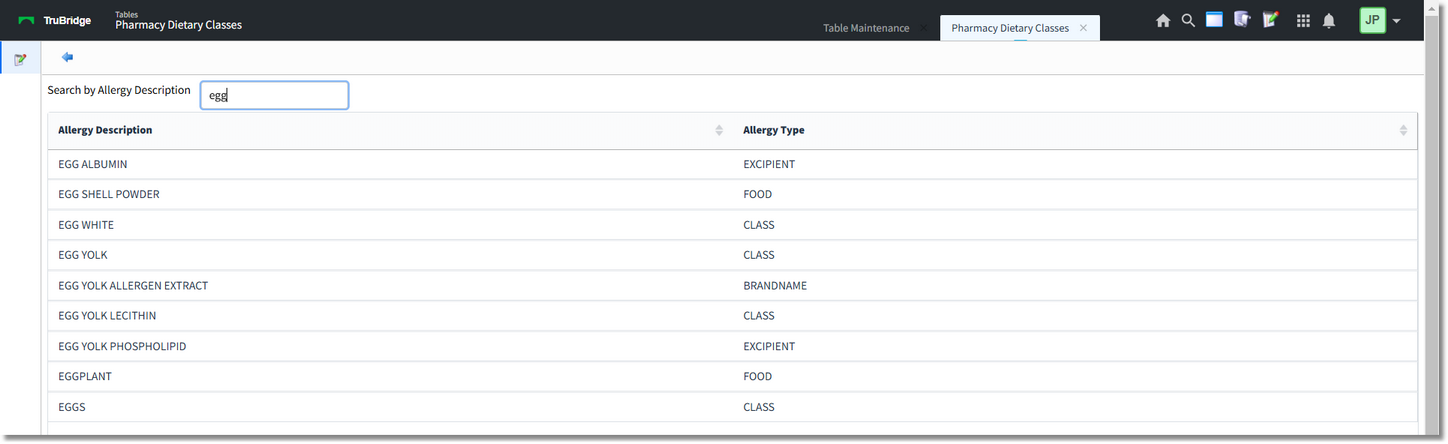
Allergen Code Lookup
3.Double-click or select the allergy and then select the back arrow to add the allergy to the table.
•Additional options are available on the action bar to update the Dietary Classes Table.
▪Delete: Deletes the selected allergy from the Dietary Classes table.
▪Refresh: Refreshes the list to display any changes that have been made.