|
<< Click to Display Table of Contents >> Sources |
  
|
|
<< Click to Display Table of Contents >> Sources |
|
The Sources table is used to create a facility-defined listing of the sources that provide the patient's medication list. The source is selected from a drop-down menu when adding Home Meds during the Medication Reconciliation process.
Select Web Client > Tables > Clinical > Medication Reconciliation > Sources
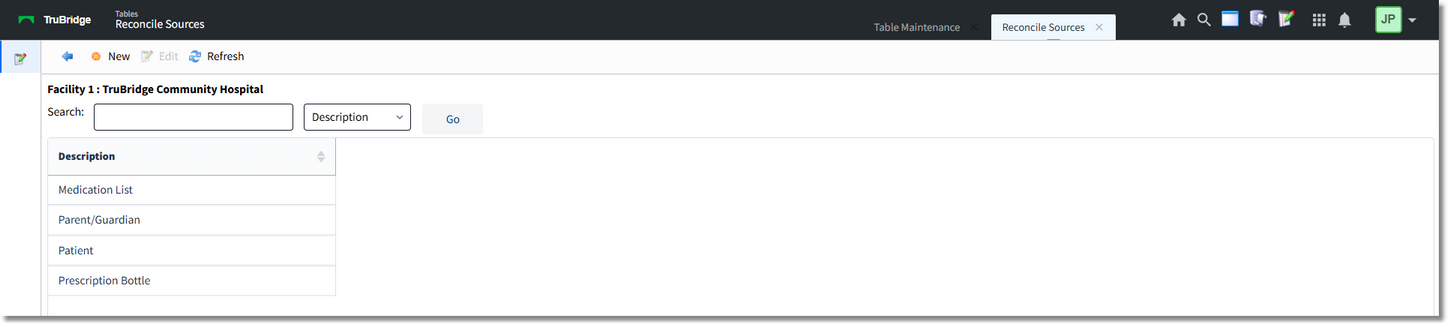
Sources Table
Select New to create a new source or choose an existing source and select Edit.
Select Web Client > Tables > Clinical > Medication Reconciliation > Sources > New

New Source
•Source Description: Enter the description.
The following options are available on the action bar:
•Show Shared: If the site is sharing tables, when this option is selected the fields that are shared between facilities will be highlighted in yellow.
•Print: Displays the table settings in a pdf document.
•Delete: Deletes the selected entry.
•Save: Saves changes made to the table.
•Refresh: Allows changes to show immediately in the Source list.
Select the Back Arrow to return to the previous screen.