|
<< Click to Display Table of Contents >> Narrative |
  
|
|
<< Click to Display Table of Contents >> Narrative |
|
The narrative controls how information will pull to the note once the template has been documented on by the provider.
Select Web Client > Tables > Clinical > Physician Application > Physician Documentation Templates > New > enter title of template > Narrative
or
Select Web Client > Charts > Inpatient Test Account > Documentation > Templates > New > enter title of template > Add Control > Narrative
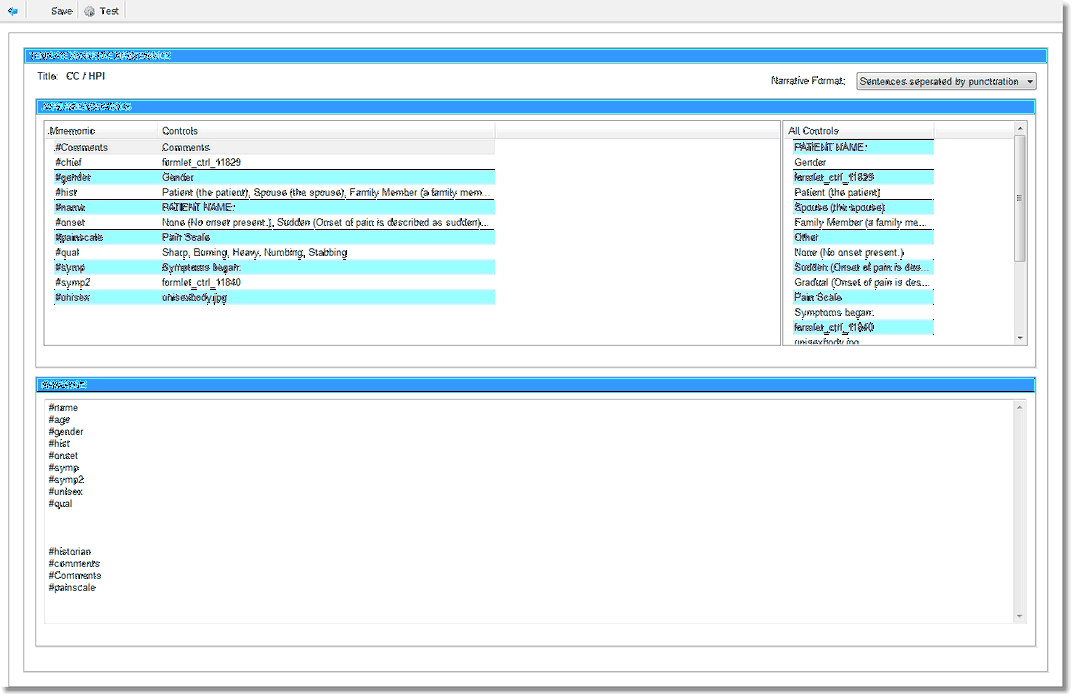
Template Narrative Maintenance
•Narrative Format: The dropdown options are Sentences separated by punctuation and Sentences separated by new line. These control the way the narrative may be formatted.
▪Sentences separated by punctuation: This option means that multiple mnemonics may share the same line and that the mnemonics may be set as optional. To make a mnemonic optional, manually change the # (pound) sign to an * (asterisk). Multiple mnemonics on the same line built with asterisks will pull only the items addressed. If a # (pound) mnemonic is on a line with additional mnemonic, the # (pound) mnemonics must be addressed in order for them to pull to the note.
▪Sentences separated by new line: This is the traditional narrative format. This format does not allow for the optional mnemonics. Multiple mnemonics may share the same line, but all mnemonics that share the same line in the narrative must be addressed or the entire line will not pull. This is often built with each mnemonic on a separate line.
Available Mnemonics
•Mnemonic: This section displays all mnemonics that have been set up in the template. If a mnemonic is selected here, it will pull to the bottom of the Narrative.
•Controls: This section displays what is associated with the mnemonic.
•All Controls: This section displays every piece of the template, ie. check boxes, radio buttons, text boxes.
•Narrative: This section controls what pulls to the note when the provider documents the template. All labels must be rebuilt in the narrative except for check boxes and radio button labels.
Select Save to save the information. Test allows the narrative to be tested.
Select Web Client > Charts > Inpatient Test Account > Documentation > Templates > New > enter title of template > Add Control > Narrative
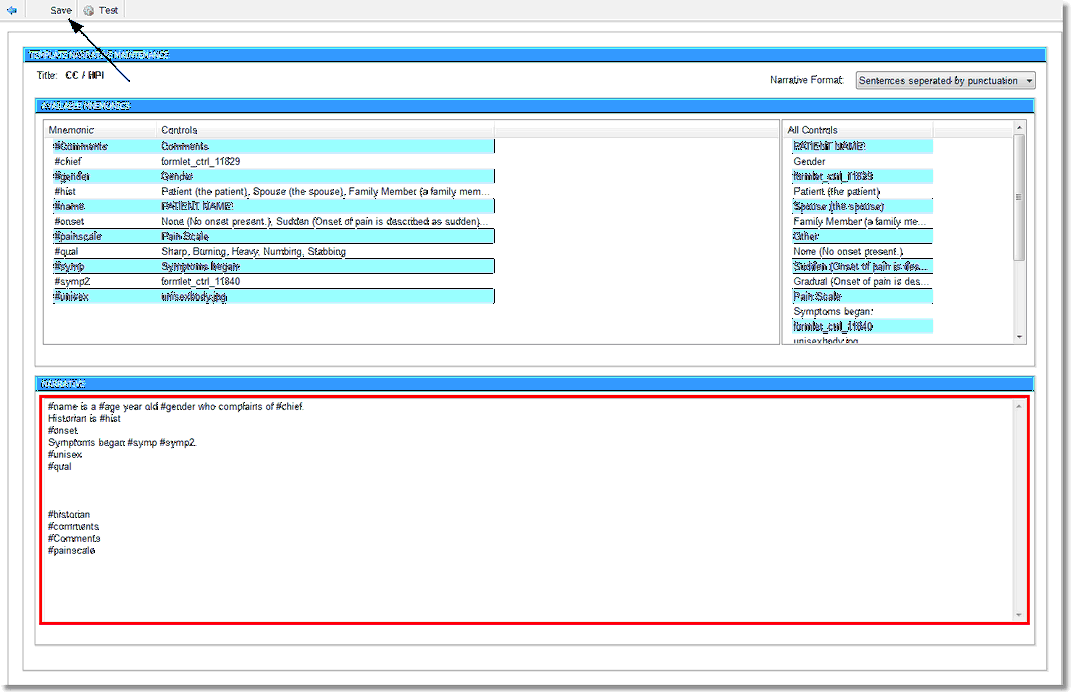
Template Narrative Maintenance