|
<< Click to Display Table of Contents >> Text Label |
  
|
|
<< Click to Display Table of Contents >> Text Label |
|
A Text Label may be used as a header or as a blank space in the template.
Select Web Client > Tables > Clinical > Physician Application > Physician Documentation Templates > New > enter title of template > Add Control > Text Label
or
Select Web Client > Charts > Inpatient Test Account > Documentation > Templates > New > enter title of template > Add Control > Text Label
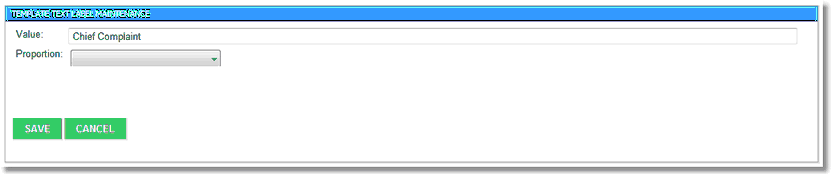
Template Text Label Maintenance
•Value: Enter the header information.
•Proportion: Leave this field blank.
NOTE: To use a Text Label as a blank space in the template, leave both fields blank. This feature is most often used when adding a proportion.
Select Save to save the information.
Select Cancel to exit the table without saving.